
Which Devices Are Compatible with a 15.6 Inch 1080P Touch Screen Portable Monitor
2026-09-28
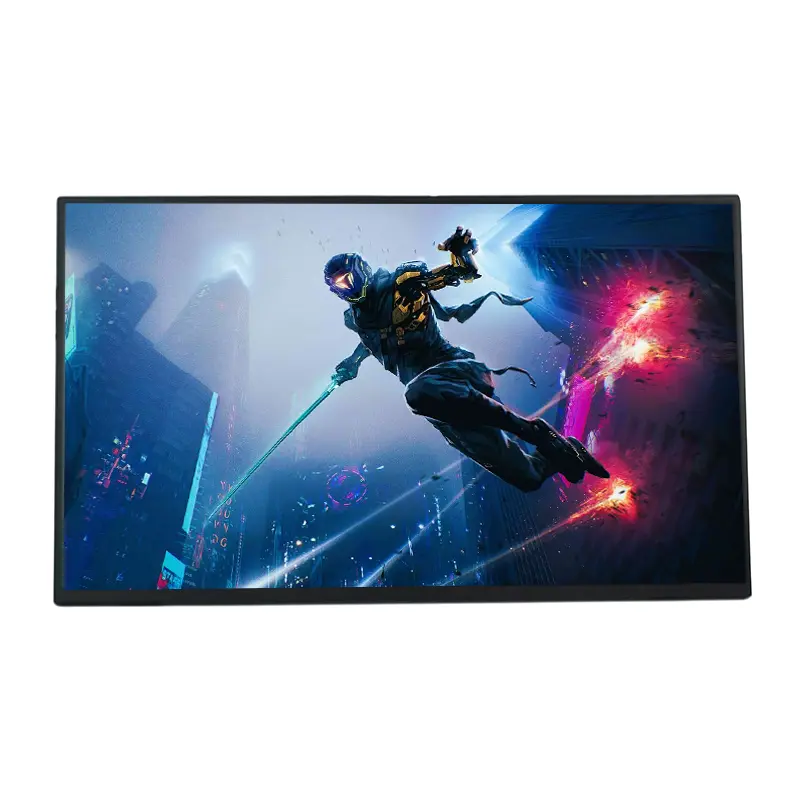
CHANGXIAN has engineered the 15.6 Inch 1080P Touch Screen Portable Monitor to work across a wide ecosystem of modern devices. Understanding compatibility before purchase prevents frustration, reduces return rates, and ensures you get full touch and display functionality from day one. This guide breaks down exactly which devices pair with the 15.6 Inch 1080P Touch Screen Portable Monitor, which connection types deliver touch support, and where limitations exist.
Connection Types and What They Support
The 15.6 Inch 1080P Touch Screen Portable Monitor typically offers USB-C, Mini HDMI, and 3.5mm audio interfaces. Touch functionality depends on the connection method, not just the panel itself.
| Connection | Video Support | Touch Support | Power Delivery |
|---|---|---|---|
| USB-C (DP Alt Mode) | Yes | Yes | Yes (single cable) |
| USB-C (data only) | No | No | Yes (power only) |
| Mini HDMI + USB-A | Yes | Yes | Separate power required |
| Mini HDMI only | Yes | No | Separate power required |
| Wireless casting | Yes | No | N/A |
Key rule: Touch requires a data-capable USB path. HDMI alone carries video but not touch input.
Device Compatibility List
The 15.6 Inch 1080P Touch Screen Portable Monitor supports the following device categories:
-
Laptops and ultrabooks with USB-C DP Alt Mode or HDMI output
-
Desktop PCs via HDMI plus USB-A for touch
-
Smartphones with USB-C DP Alt Mode (Samsung DeX, Huawei EMUI desktop mode)
-
Tablets with USB-C video output (iPad Pro, iPad Air M-series)
-
Gaming consoles including Nintendo Switch, PlayStation 5, and Xbox Series X/S
-
Raspberry Pi and SBCs via HDMI plus USB
-
Cameras with HDMI output for field monitoring
-
TV sticks and mini PCs such as Chromecast, Fire Stick, and Intel NUC
Devices That May Not Fully Support Touch
| Device | Video | Touch | Notes |
|---|---|---|---|
| iPhone (Lightning) | Adapter needed | No | Requires Lightning to HDMI |
| Older Android phones | Limited | No | No DP Alt Mode |
| USB-C hubs without DP | No | No | Check DP Alt Mode spec |
| Windows PCs (HDMI only) | Yes | USB-A required | Extra cable needed |
Compatibility Checklist Before You Buy
-
Confirm your device supports USB-C DP Alt Mode for single-cable use.
-
Check whether your laptop or phone outputs video over USB-C or requires HDMI.
-
Verify your operating system supports touch input (Windows, Android, Linux, iPadOS, macOS with limitations).
-
For consoles, plan for HDMI video plus USB power for touch-enabled models.
-
Test driver-free plug-and-play with CHANGXIAN monitors, which require no additional software on Windows and Android.
FAQ
Does the 15.6 Inch 1080P Touch Screen Portable Monitor work with a MacBook?
Yes, CHANGXIAN monitors work with MacBook models via USB-C for video and power, but touch input is not supported by macOS, so the touchscreen function will not respond on Apple laptops.
Can I use the 15.6 Inch 1080P Touch Screen Portable Monitor with a Nintendo Switch?
Yes, the Nintendo Switch connects through Mini HDMI for video and a separate USB-C cable for power, and touch works in handheld-style supported titles when the console is docked to the monitor.
Is the 15.6 Inch 1080P Touch Screen Portable Monitor compatible with Samsung DeX?
Yes, Samsung Galaxy phones and tablets with DeX support connect via a single USB-C cable, delivering video, touch input, and power delivery through the 15.6 Inch 1080P Touch Screen Portable Monitor without extra adapters.
Does the 15.6 Inch 1080P Touch Screen Portable Monitor require drivers?
No, CHANGXIAN monitors are driver-free on Windows 10, Windows 11, Android, Linux, and Chrome OS, using standard HID touch protocol for instant plug-and-play performance.
Can I connect a desktop PC without USB-C to the 15.6 Inch 1080P Touch Screen Portable Monitor?
Yes, use Mini HDMI for video and a USB-A to USB-C cable for touch input, and the 15.6 Inch 1080P Touch Screen Portable Monitor will deliver full touch functionality on Windows and Linux desktops.
Final Thoughts
Choosing the right 15.6 Inch 1080P Touch Screen Portable Monitor starts with matching your device's video and data capabilities to the monitor's ports. CHANGXIAN builds flexible, driver-free displays that adapt to laptops, phones, consoles, and desktops with minimal setup.
Contact us today to confirm compatibility for your specific device, request bulk pricing, or ask about OEM customization for the 15.6 Inch 1080P Touch Screen Portable Monitor.