Fiber Optic Equipment
Understanding the Backbone of Modern Connectivity: Fiber Optic Equipment
In today's hyper-connected world, the demand for faster, more reliable, and higher bandwidth data transmission is insatiable. At the heart of this digital revolution lies fiber optic technology. Fiber optic equipment encompasses the specialized hardware and components required to generate, transmit, receive, and manage optical signals over glass or plastic fibers. Unlike traditional copper cabling, fiber optics use light pulses, enabling data to travel at speeds approaching the speed of light with minimal signal loss over vast distances. This technology is fundamental to telecommunications, internet service providers, data centers, broadcasting networks, and enterprise IT infrastructure.
The ecosystem of fiber optic equipment is diverse, ranging from the physical cabling and connectors to complex active devices that generate and process the light signals. For network engineers, IT managers, and procurement specialists, understanding the specifications and interoperability of this equipment is crucial for designing, deploying, and maintaining a robust network. This deep dive into fiber optic equipment will detail key product categories, their technical parameters, and address common questions in the field.
Core Product Categories and Specifications
The market offers a wide array of fiber optic equipment. We can categorize them broadly into passive and active components.
Passive Fiber Optic Equipment
Passive components do not require electrical power to function. Their role is to guide, split, combine, or terminate optical signals.
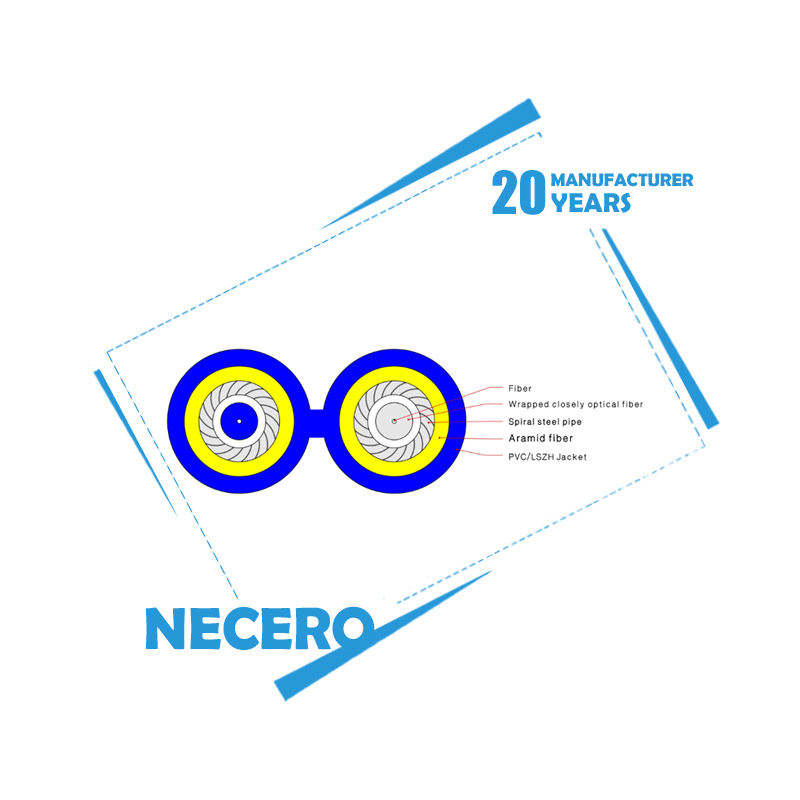
- Optical Fiber Cables: The transmission medium itself. Key parameters include:
- Fiber Type: Single-Mode (SMF) vs. Multi-Mode (MMF).
- Core/Cladding Diameter: e.g., 9/125 µm for SMF, 50/125 µm or 62.5/125 µm for MMF.
- Attenuation: Signal loss measured in dB/km (e.g., ≤ 0.4 dB/km @ 1310nm for SMF).
- Bandwidth: For MMF, measured in MHz*km.
- Cable Jacket: LSZH (Low Smoke Zero Halogen), OFNR (Riser), OFNP (Plenum).
- Fiber Optic Connectors: Devices for connecting fibers to equipment or other fibers.
- Types: LC, SC, FC, ST, MTP/MPO.
- Insertion Loss: Typically < 0.3 dB.
- Return Loss: > 45 dB for PC/UPC, > 60 dB for APC polish.
- Durability: > 500 mating cycles.
- Fiber Optic Patch Panels & Enclosures: For termination, splicing, and management.
- Port Density: Number of LC/SC ports (e.g., 1U/2U 24/48 port).
- Splice Tray Capacity: Number of splices per tray.
- Compatibility: Rack-mount, wall-mount, outdoor.
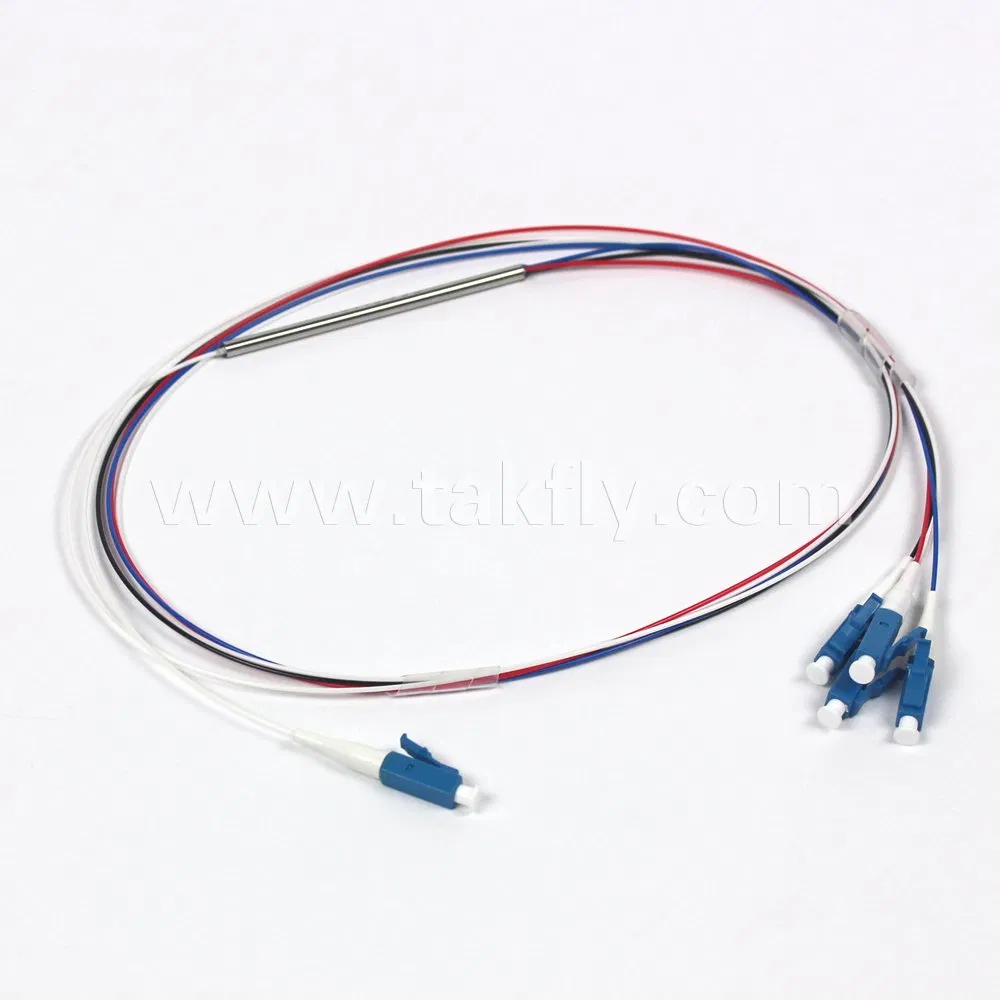
- Optical Splitters (PLC Fused): Passive devices that divide one optical signal into multiple signals.
- Splitting Ratio: 1x2, 1x4, 1x8, 1x16, 1x32, 1x64, 2x64.
- Wavelength Range: 1260-1650 nm.
- Uniformity: < 1.5 dB (typical).
- Insertion Loss: Varies by ratio (e.g., ~3.7 dB for 1x2, ~10.8 dB for 1x8).
Active Fiber Optic Equipment
Active components require power and are responsible for generating, amplifying, converting, or receiving optical signals.
- Transceivers (SFP, SFP+, QSFP, QSFP28, etc.): Modular devices that convert electrical signals to optical and vice versa.
Form Factor Typical Data Rate Wavelength Fiber Type Max Reach* SFP 1 Gbps 850nm, 1310nm, 1550nm, CWDM/DWDM MMF/SMF 550m (MMF) / 160km (SMF) SFP+ 10 Gbps 850nm, 1310nm, 1550nm MMF/SMF 300m (MMF) / 80km (SMF) QSFP28 100 Gbps 850nm (SR4), 1310nm (LR4, CWDM4) MMF/SMF 100m (MMF) / 10km (SMF) SFP28 25 Gbps 850nm, 1310nm MMF/SMF 100m (MMF) / 10km (SMF) *Reach is dependent on fiber type, wavelength, and optics specification. - Media Converters: Standalone devices that convert between fiber and copper Ethernet.
- Data Rate: 10/100/1000 Mbps, 10Gbps.
- Fiber Mode: Single-mode or Multi-mode.
- Wavelength: 850nm, 1310nm, 1550nm.
- Power Supply: AC or DC input.
- Optical Amplifiers (EDFA): Amplify optical signals directly without optical-electrical-optical conversion.
- Gain: 20 dB, 30 dB, etc.
- Noise Figure: < 5.5 dB.
- Output Power: +17 dBm, +20 dBm, +23 dBm.
- Bandwidth: C-Band (1530-1565 nm), L-Band.
- Fiber Optic Modems & Multiplexers: For specialized industrial, video, or TDM/E1 over fiber applications.
- Interface: RS-232/422/485, E1/T1, Video (CVBS, SDI).
- Multiplexing: TDM, CWDM, DWDM.
- Transmission Distance: Up to 120km.
Key Technical Parameters Explained
When selecting fiber optic equipment, these technical parameters are critical for ensuring system performance.
| Parameter | Description | Why It Matters |
|---|---|---|
| Wavelength (nm) | The color of light used to carry the signal. Common wavelengths are 850nm, 1310nm, and 1550nm. | Determines attenuation and reach. 1550nm has the lowest loss for long-haul SMF. 850nm is for MMF. |
| Insertion Loss (dB) | The total amount of optical power lost as light passes through a component (connector, splitter, splice). | Every dB of loss reduces the power budget. Lower insertion loss allows for longer transmission distances. |
| Return Loss / Optical Return Loss (dB) | A measure of the light reflected back toward the source. A higher (positive) number is better. | High back-reflection can destabilize laser sources. APC connectors offer the highest return loss (>60dB). |
| Dispersion (ps/nm·km) | The spreading of a light pulse as it travels along the fiber. Includes chromatic and modal dispersion. | Limits bandwidth and distance. Single-mode fiber has much lower dispersion than multi-mode. | Power Budget (dB) | The difference between the transmitter's output power and the receiver's sensitivity. | System design cornerstone. Total link loss (cable + connectors + splices) must be less than the power budget. |
Fiber Optic Equipment FAQ
Q: What is the fundamental difference between Single-Mode (SMF) and Multi-Mode Fiber (MMF) and how do I choose?
A: The core difference is the size of the fiber core and how light propagates through it. Single-Mode Fiber has a very small core (typically 8-9 microns) that allows only one light mode (path) to travel. This results in very low attenuation and dispersion, making it ideal for long-distance, high-bandwidth applications (e.g., telecommunications, CATV, backbone networks) spanning tens to hundreds of kilometers. Multi-Mode Fiber has a larger core (50 or 62.5 microns) that allows multiple light modes. This causes higher dispersion, limiting its effective bandwidth and distance to shorter runs, typically up to 550 meters for 1G and 100-150 meters for 10G/40G/100G. Choose SMF for campus/data center backbones and long links. Choose MMF for shorter distances within a building or data center hall, often where cost-effectiveness for high port counts is key.
Q: Are optical transceivers from "telecom-broadcasting.net" compatible with my Cisco, Juniper, or Huawei switch?
A: Optical transceivers from "telecom-broadcasting.net" are manufactured to multi-source agreement (MSA) standards, ensuring mechanical and electrical compatibility with slots from major OEMs. However, many OEMs use a coded system to lock transceivers to their own brand. "telecom-broadcasting.net" offers a range of compatible transceivers that are programmed to be recognized and function correctly in equipment from major brands like Cisco, Juniper, Huawei, Nokia, and many others. It is crucial to specify your equipment make and model when purchasing to ensure you receive the correctly coded module, providing a reliable, high-performance, and cost-effective alternative to OEM-branded optics.
Q: How do I calculate the total loss budget for a fiber optic link?
A: Calculating the loss budget is essential for a reliable link. Follow these steps: 1) Find the transmitter output power (Tx Power in dBm) and the receiver sensitivity (Rx Sensitivity in dBm) from your transceiver datasheets. The difference is your total power budget (PB = Tx Power - Rx Sensitivity). 2) Calculate the fiber cable loss: Multiply the cable length (in km) by the fiber's attenuation coefficient (e.g., 0.4 dB/km for SMF @1310nm). 3) Calculate connector loss: Typically allow 0.3 dB loss per mated connector pair. Count each connection point (e.g., patch panel to panel counts as 2 pairs). 4) Calculate splice loss: Allow 0.1 dB per fusion splice. 5) Add any other passive component losses (e.g., splitter insertion loss). Your Total Link Loss (TLL) is the sum of steps 2-5. For a reliable link with a safety margin, ensure TLL < Power Budget (by at least 3 dB is a common margin).
Q: What is DWDM and when should I consider it for my network?
A: Dense Wavelength Division Multiplexing (DWDM) is a technology that combines multiple optical carrier signals onto a single fiber by using different wavelengths (colors) of laser light. It dramatically increases the capacity of existing fiber infrastructure. A single fiber pair can carry 40, 80, or even 96 channels, each operating at 10G, 100G, or 400G. You should consider DWDM when: 1) You are running out of physical fibers in your cable. 2) You need to transport multiple independent data streams (e.g., data, storage, voice) over a common path. 3) You require long-haul transmission (hundreds to thousands of kilometers) with amplification. 4) You are building a future-proof backbone for a data center, service provider, or large enterprise network. It requires specialized DWDM transceivers, multiplexers, and often amplifiers.
Q: What are the best practices for testing and troubleshooting a newly installed fiber link?
A: Best practices involve tiered testing. First, perform a visual inspection with a fiber microscope to check for dirty or damaged connector end-faces, which cause most link failures. Second, use a basic Fiber Optic Light Source and Power Meter to measure the end-to-end Insertion Loss of the link. Compare this to your calculated loss budget to verify the link is within specification. For more comprehensive analysis, especially on longer or higher-speed links, use an Optical Time Domain Reflectometer (OTDR). An OTDR provides a graphical trace of the fiber, pinpointing the location and loss of events like splices, connectors, and bends. It can identify if a fault is 15 meters or 15 kilometers away. Always clean connectors before testing and mating, use proper cable management to avoid tight bends, and document all test results for future reference.
- View as